Welcome to the Presentation Facilitator Update Activation Section.
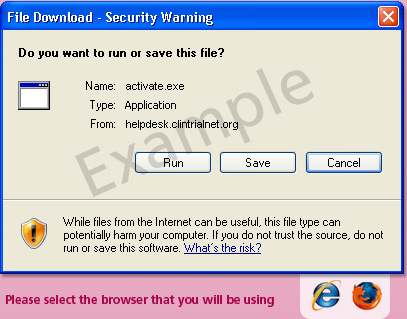
You have version 1 of the Presentation Facilitator and are required to download the activation software to update to version 2. Clicking the 'Download Update' button will prompt you to save a file called 'activate.exe'.
If you require further assistance with the update there is a animated demonstration and also a FAQ's section.
Click here for FAQ's.

For any further technical support
please email [email protected]
Step by Step Guide
-
Click on the
'Download Update' button
-
On being prompted select
'save file' then press 'ok' to proceed. -
Choose a location to save the file
to (such as your desktop) -
Once it has finished downloading,
run the 'activate.exe' application by double clicking. If a warning appears select run. You will then be guided through the final steps.
Update Activation